
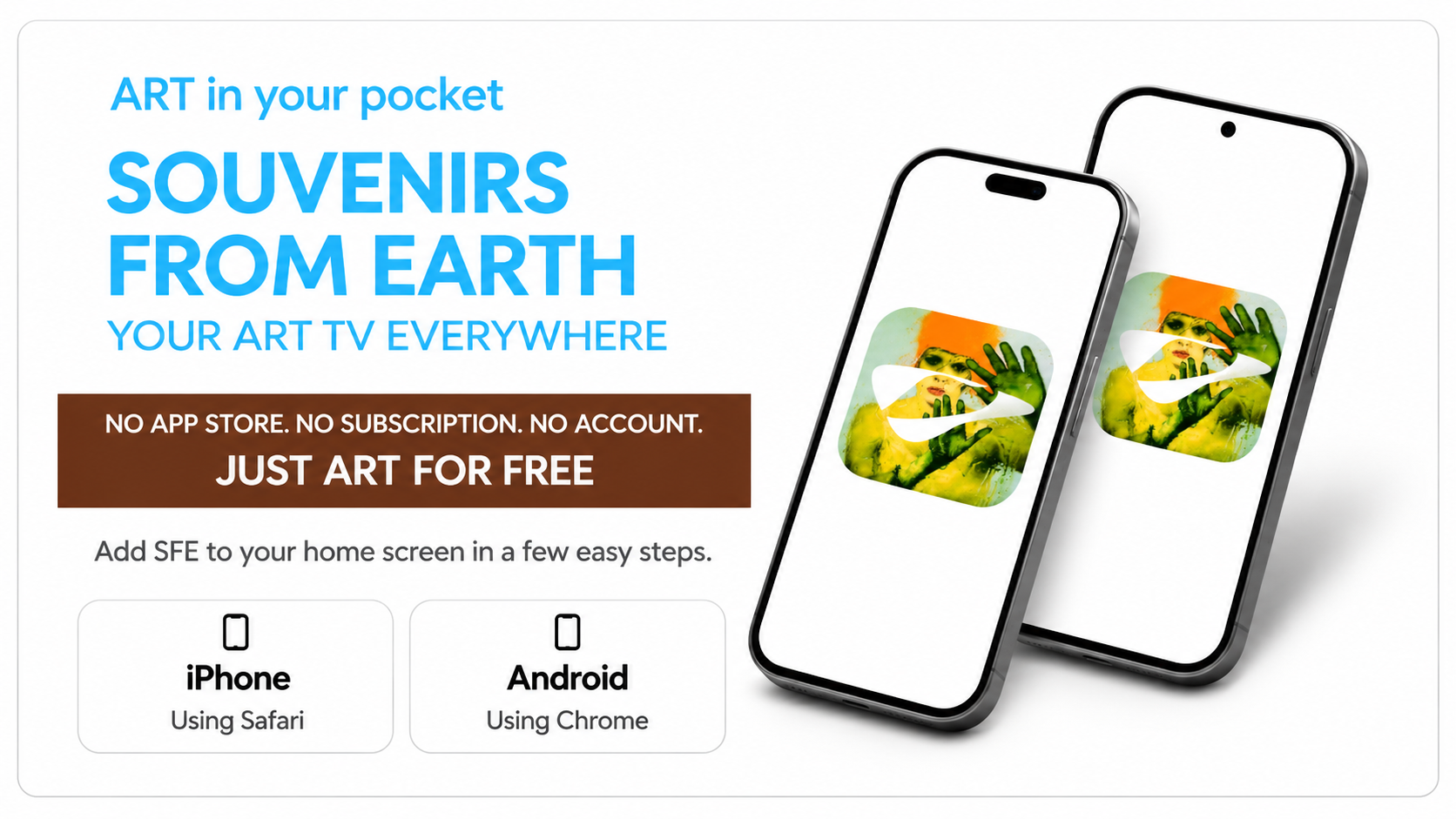
iPhone — Installation
Open SFE Live TV in Safari.
Tap the Share icon.
Select “Add to Home Screen”.
Tap “Add”. Your SFE icon is ready!
Android — Installation
Open SFE Live TV in Chrome.
Tap the three-dot menu (⋮).
Select “Add to Home screen” or “Install app”.
Confirm. Your SFE icon is ready!